✓
Amnesic by design
Nothing you do is written to the stick or the computer. Shut down, and the session is gone.
 PRIVACY FIRSTPUTTING YOUR PRIVACY FIRST.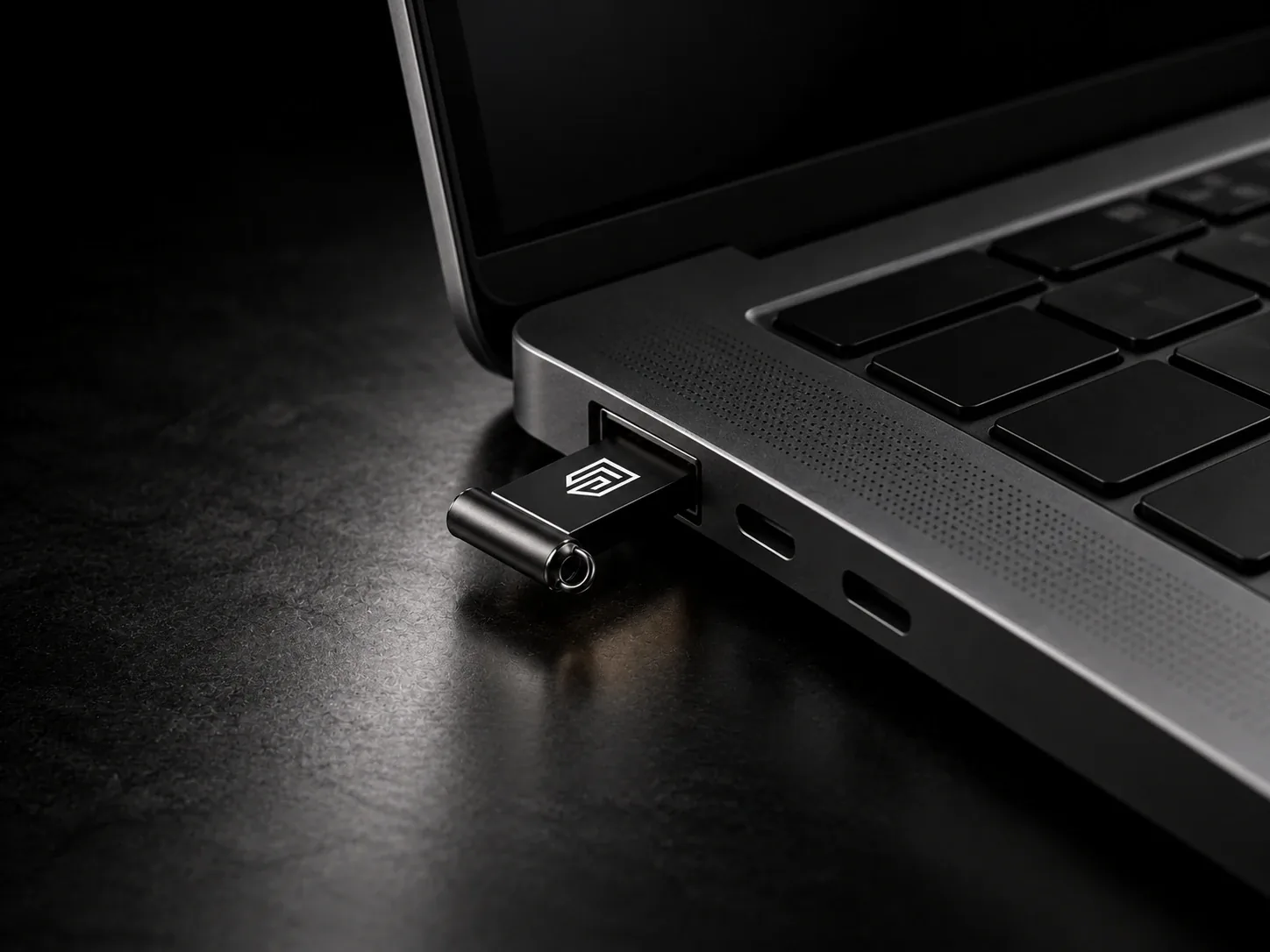
1 devices deployedOperating since 2022
The PC operating system that saves nothing. Wipes when unplugged.
A complete private computer on a USB stick. Start almost any PC or laptop from it and you get a separate, secure system: everything goes through Tor, the computer's own drive is never touched, and everything is forgotten when you shut down.
$49.70 USD when bought with a Privacy First phone
No GST or VAT is charged on overseas orders. Import VAT and duties may be payable on delivery.Dispatched next business day · Tracked delivery · Refunds & returns
BUILT IN
You can change any of these settings yourself, at any start.
Nothing you do is written to the stick or the computer. Shut down, and the session is gone.
Remove the USB stick and the system shuts down immediately, erasing its memory as it goes.
Every app's internet connection goes through Tor. Anything that tries to connect directly is blocked.
Optional Tor bridges hide the fact that you use Tor from your internet provider.
Your network card's MAC address is changed automatically on Wi-Fi and wired networks.
Starts on its strictest security level, with JavaScript off. Lower it from the shield icon when a site needs it.
Keep wallets, files and settings in Persistent Storage, encrypted with a passphrase of at least 20 characters.
Each wallet and messenger has its own Persistent Storage switch, and every one starts off.
Switched off at every start, with shortcuts to turn them on when you need them.
The Unsafe Browser, only meant for Wi-Fi login pages, stays off until you turn it on.
Trezor, Ledger and BitBox02 work over USB with Trezor Suite, Sparrow and Electrum.
Security updates come straight from Tails over Tor, checked with Tails' signature. We can't change your stick after it ships.
PREINSTALLED APPS
Wallets and messengers have their own folders in the Applications menu. Internet apps already go through Tor, with no proxy settings to change.
WHY TAILS
Tails is the privacy operating system used by journalists, activists and anyone who needs to leave no trace. It runs from a USB stick, sends everything through Tor and forgets everything when you shut down.
Privacy First OS is Tails with the apps you would otherwise install yourself already in place and stricter privacy settings out of the box, while every system update still comes straight from Tails.
HOW IT WORKS
Plug the stick into a switched-off PC or laptop.
Choose the USB stick in the computer's boot menu, usually opened with F12, F9, F10 or Esc.
Join Wi-Fi or plug in a cable, then connect to Tor in one click.
Shut down, or simply pull the stick out: the session and the computer's memory are wiped.
Tails, the privacy operating system used by journalists and activists, on a USB stick, with crypto wallets, private messengers and privacy tools already installed and stricter privacy settings switched on. You start a computer from it instead of from its own drive.
Most Windows and Linux PCs and laptops with a 64-bit Intel or AMD processor, and Macs with an Intel processor. It doesn't run on Macs with Apple chips (M1 and newer), phones or tablets.
No. It runs from the USB stick and the computer's memory and never uses the computer's hard drive. When you shut down or pull the stick out, the memory is wiped.
It shuts down immediately and wipes the computer's memory. Anything already saved in your encrypted Persistent Storage stays on the stick.
Yes, if you choose to. Create the encrypted Persistent Storage with a passphrase of at least 20 characters, then switch on what to keep: your files, each wallet, each messenger. Without it, nothing is ever saved.
Like Tails: security updates are offered after you connect to Tor, downloaded over Tor and checked with Tails' signature. Apps update through Tails' Additional Software or their own updaters. We can't change or update your stick after it ships.
The system and its protections are Tails' own. We add the apps, put wallets and messengers in their own folders, and switch on stricter defaults: Tor Browser on Safest, the Unsafe Browser, camera, microphone and printing off, and a longer passphrase. You can change every one of them.
No. Everything already goes through Tor, and a VPN would weaken that. To hide from your internet provider that you use Tor, choose Tor bridges when you connect.
Yes. We ship worldwide from Australia; the UK and Europe usually take 4 to 8 days by DHL, UPS or FedEx.
Yes. You can pay by card, Apple Pay, Google Pay or bank debit, or in Bitcoin (BTC), Ether (ETH) or USDT on Tron or Ethereum. The crypto price is fixed for 45 minutes with no surcharge; choose Crypto at checkout.
Crypto accepted. Pay with Bitcoin, Ethereum or USDT (Ethereum or Tron) on orders of AUD $20 or more. Choose crypto at checkout. How it works