FREE EXPRESS POST ACROSS AUSTRALIA · WORLDWIDE SHIPPING AVAILABLE
Privacy First logoPRIVACY FIRSTPUTTING YOUR PRIVACY FIRST.
GRAPHENEOSTABLETMAXIMUM SECURITYENCRYPTED TABLETOUT OF STOCK

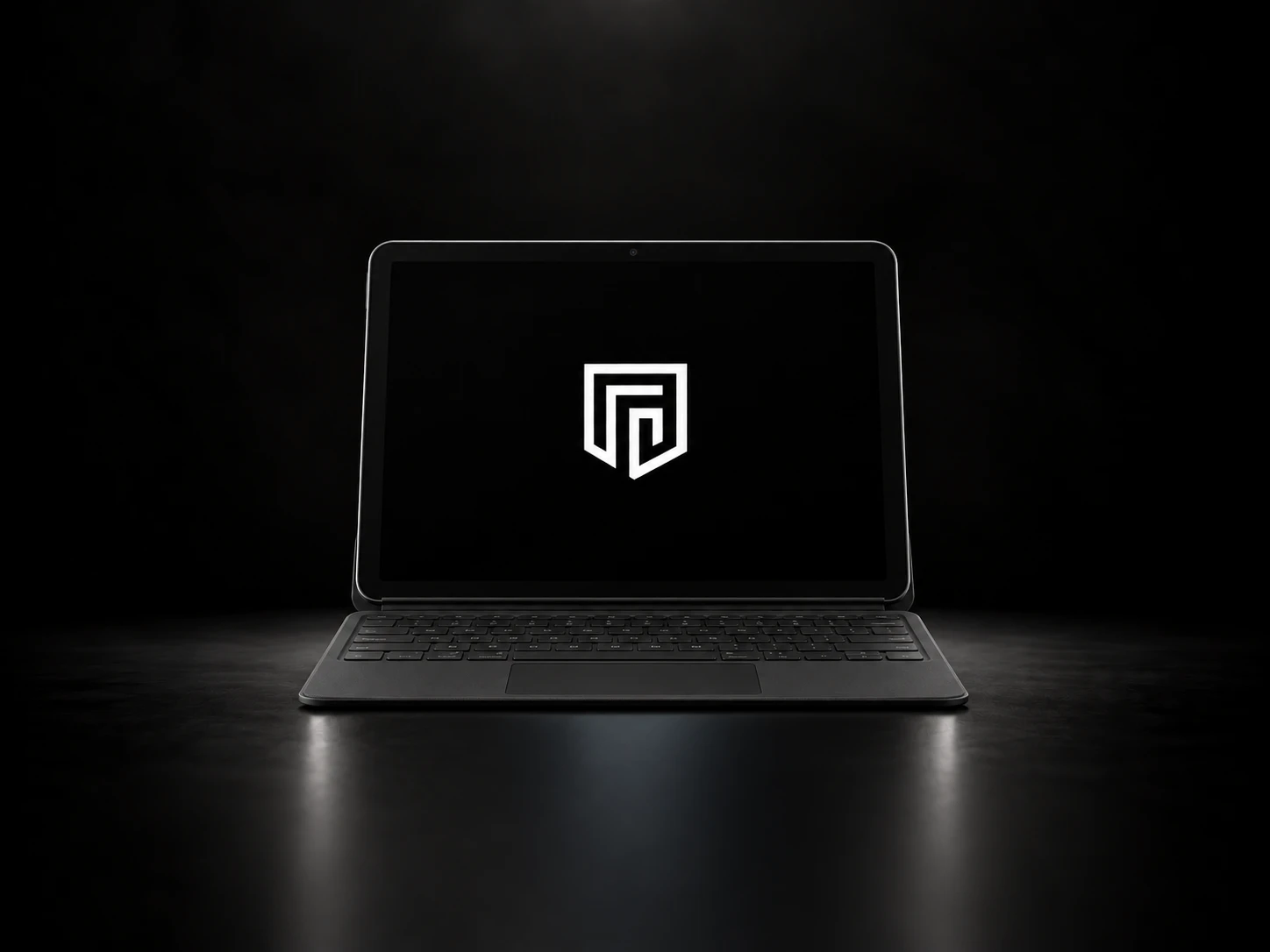
Privacy First Tablet / Notebook + PF Shield Security Protocol

Privacy First privacy-hardened tablet and notebook

Wipes before they get in. Maximum security. Zero compromise.

Preconfigured GrapheneOS with our PF Shield Security Protocol, on a bigger screen. Security without compromise, ready to use out of the box.

  • Emergency Wipe TriggerWipe the device quickly by pressing power button quickly
  • Wipe TimersDifferent timers run to automatically wipe device if you lose access
  • Remote WipeSend a code to the device to instruct it to initiate a wipe
  • Hidden ProfilesAll your User Profiles, Settings and Installed Apps are hidden
  • Anti ExploitPrevent exploits from Temperature, Voltage and other vulnerabilities
  • Security HardeningUSB Data, Safe Mode and Developer Mode are permanently disabled
PRICE
$1,380.00 USD
No GST or VAT is charged on overseas orders. Import VAT and duties may be payable on delivery.

TABLET & NOTEBOOK

Every PF Shield protection, on a bigger screen.

The same GrapheneOS and PF Shield setup as our PF Secured phone, on a tablet you can work on: duress PINs, wipe timers, the hidden Private Profile and every other protection, with a keyboard when you need one.

  • Same as the phoneEvery PF Shield feature, unchanged.
  • Hidden Private ProfileOpened by your secret code.
  • Built for workBigger screen, keyboard ready.
  • Set up for youReady to use out of the box.

DURESS PIN

One PIN opens it. Another erases it.

If someone forces you to unlock your phone, give them a duress PIN. It instantly wipes the encryption keys, protecting your data and powering device off. The next time it's switched on, it goes straight to the setup screen with all your data gone.

IF IT'S TAKEN

Built to resist phone-cracking tools.

Data extraction kits used by hackers and adversaries work by plugging into the phone and attacking it while it is unlocked or recently used. Our Security Protocol takes those openings away.

  • Anti-snatch lockThe screen locks the moment the phone is snatched from your hand or dropped.
  • USB data disabledThe port only charges. Data extraction tools connect by cable, so they have nothing to talk to.
  • Back to fully lockedIt reboots every four hours, clearing memory and returning to its most protected state (BFU) where everything is still encrypted.
  • Exploit attempt protectionTampering with the device's voltage and temperature will trigger reboots.

HIDDEN PROFILES

Built around privacy.

Hide user profiles, installed apps and system settings from prying eyes. Anyone looking through your phone finds no other users and a handful of everyday apps. Enter your secret code into the secret app (Multiple configurations including Phone, Calculator and SMS app) and your Private Profile opens, with everything you actually use.

  • Profiles hiddenSettings shows no other users.
  • Apps hiddenOnly the basics appear in the app list.
  • Settings lockedSystem settings can't be used to find or change it.
  • Opens with a codeYour secret code, entered in a specific area

PREINSTALLED APPS19 APPS SET UP

Ready to use from the first unlock. Choose a category.

Open-source and privacy-respecting apps, installed and set up before your phone ships.

  • PF Shield

    Our security app, set as the phone's device owner. It runs the duress PINs, wipe timers, quick wipe, remote wipe and anti-snatch lock.

  • Mullvad VPN

    No account email, no logs, with the kill switch on. Add a Mullvad plan at checkout.

LIVE DEMO

See it in action.

The tablet runs the same PF Shield as our phone. Try it below.

17:09
  • · Verifying boot image (Verified Boot)
  • · Starting GrapheneOS
  • · Encrypted storage ready
  • · PF Shield active

Behind the scenes

Booting device…

    Unlock this phone (TapClick this box to enter the unlock codes automatically on any screen if typing is too difficult)

    • Unlock (Both Profiles): PIN 1234
    • Duress PIN: 0000 (wipes the phone)
    • Private Profile: open the calculator, type 7897 then =

    Trigger self wipe

    Automated wipes

    Anti adversary

    Additional security

    A simulation that mirrors how the phone behaves. Timers are shortened, and the log is illustrative.

    EVERY FEATURE

    What PF Shield does.

    Trigger a self wipe

    Multiple Duress Passwords
    Devices come preset with multiple randomized Duress Pins. Ensure that an adversary will not attempt Brute forcing the OS Login Screen
    Quick wipe
    Press the power button 8 times quickly to wipe, even with the screen locked.
    Remote wipe
    Text the phone a secret code from any other phone and it wipes on receipt.

    Automated wipes

    Lock timer
    Wipes if the phone isn't unlocked within the time you set, for example two weeks.
    Network-loss timer
    Wipes if it's cut off from every network for too long, as in a signal-blocking bag.
    Incorrect password wipe
    Wipes after the number of wrong PINs you choose. A blank attempt isn't counted.

    Anti adversary

    Anti-snatch lock
    Turns the screen off and locks the instant the phone is grabbed from your hand.
    Decoy App Wipe
    A fake app called VAULT sits on the everyday profile's home screen. Anyone who opens it looking for your hidden files wipes the phone instead.
    Battery Removal Protection
    Pulling the battery to stop the timers won't work: when power returns, it detects the removal and wipes on boot.
    Temperature and voltage monitoring
    Freezing or voltage tampering triggers a reboot back to the fully locked state.
    Attack Window Reduction
    Owner Profile automatically reboots every 6 minutes whether device is locked or unlocked. This prevents any ongoing exploit attempts. Does not affect Hidden User Profile
    Wireless Charging Exploit Protection (Optional)
    Reboots the device upon detecting a Wireless Charger
    High Risk Mode
    Force device to bootloop and throw an error message continuously for a predetermined timeframe. Toggle this on if you have to hand over phone to someone for a short period of time

    Security Hardening

    Disable Safe Boot
    Prevent bypassing of wipes
    Disable Developer Mode
    Prevent exploits and developer settings
    USB data disabled
    The port only charges. Data extraction tools connect by cable, so they have nothing to talk to.
    Disable Screenshots and Screen Recording (Optional)
    Prevents any screenshots or recordings
    Camera and Microphone (Optional)
    Disables the camera and microphone so nothing can be seen or heard through the device
    Disable Physical Media Mounting
    Prevent any fake media mounting exploits
    Block 2G / Force LTE Only
    Prevents fake cell towers from forcing the device onto weaker 2G connections
    Disable NFC
    Turns off contactless communication so nothing can be read or sent by tapping the device
    Disable Backups
    No copy of your data can be kept anywhere a wipe cannot reach
    Disable App Installs on Admin Profile
    Prevent any installations or app updates on the Owner / Admin Profile. This prevents any Malware or extraction tools being utilized. Private profile is unaffected

    Privacy

    Private Profile
    A separate profile with your real apps and data, opened only by your secret code.
    Hidden login
    Unlock the Private Profile through the calculator or another secret method, with no visible way in.
    Locked-down settings
    The everyday profile shows no other users or apps, and its settings can't be changed.
    VPN kill switch
    Mullvad VPN with its kill switch on: nothing leaves the phone outside the VPN.
    ✓

    GrapheneOS underneath

    Verified boot, a hardened memory allocator, monthly security updates and per-app control over network, sensors, contacts and files. No Google account unless you want one.

    ✓

    VPN Kill Switch

    Mullvad VPN with its kill switch on: nothing leaves the phone outside the VPN, even while it reconnects.

    ✓

    Hardened without compromise

    Every setting chosen for security first and set up for you, so it's ready to use with nothing left to configure.

    Crypto accepted. Pay with Bitcoin, Ethereum or USDT (Ethereum or Tron) on orders of AUD $20 or more. Choose crypto at checkout. How it works

    Pay later with Zip or Klarna Choose Stripe at checkout to split your payment with Zip or Klarna, where they're available for your country and order.