Can You Run GrapheneOS on a Motorola Phone? (2026 Update)
Published 27 October 2026
Motorola phones are popular, good value, and easy to buy in Australia. So it's natural to ask: can you put GrapheneOS on one? Here's where things stand.
The short answer
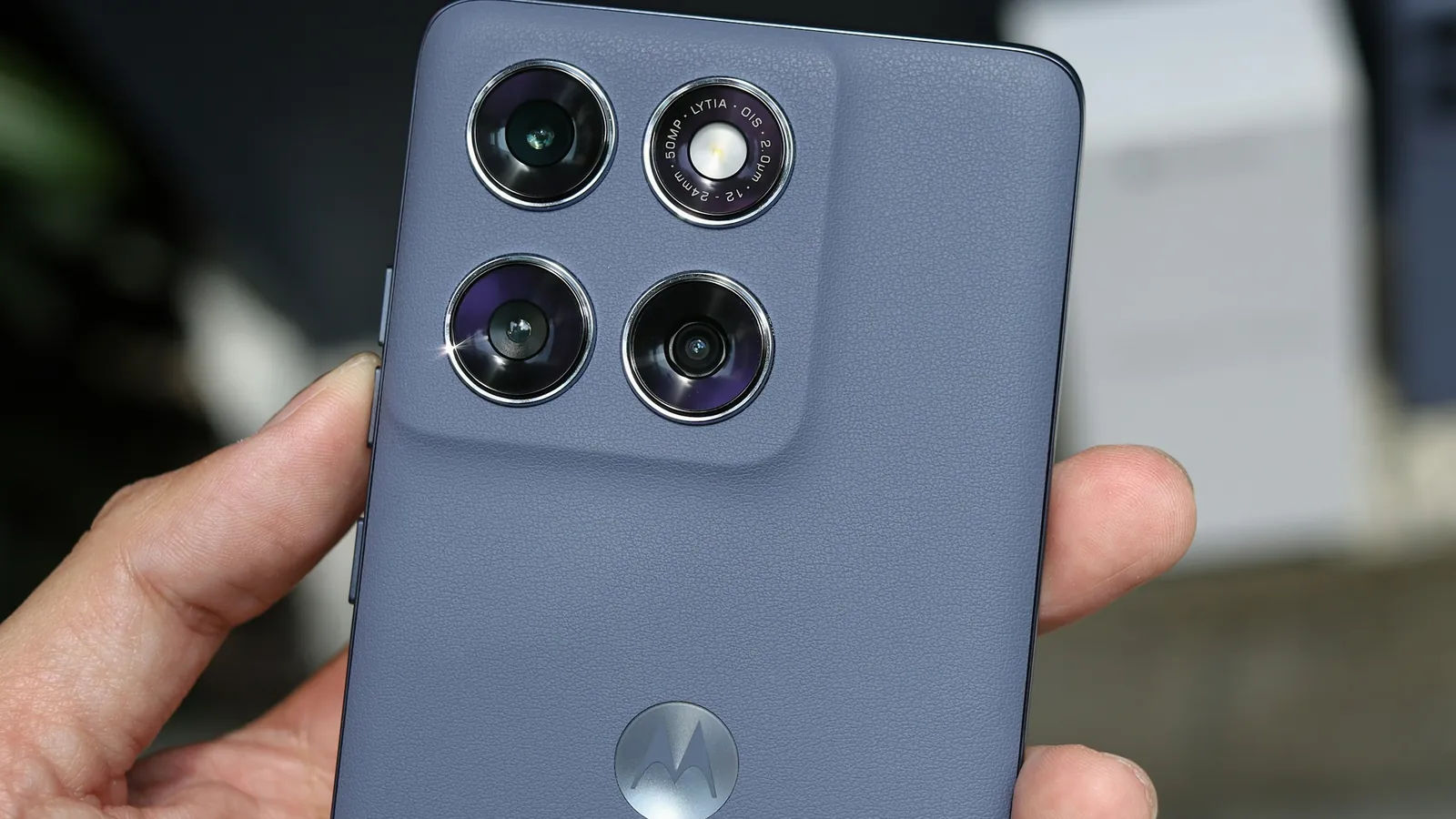
Not yet. As of this update (24 October 2026), GrapheneOS officially supports Google Pixel phones only. You cannot install official GrapheneOS on any Motorola phone today. GrapheneOS and Motorola have announced a partnership, and GrapheneOS has named the upcoming Motorola Signature 27 as the first Motorola phone it will support, but that support hasn't been released yet. Unofficial "GrapheneOS ports" you may find online for other phones are not GrapheneOS: they don't get the project's security updates and don't meet its security requirements.
Why GrapheneOS has been Pixel-only
GrapheneOS isn't being picky about brands. It sets hardware security requirements that most phones haven't met, including:
Re-lockable bootloader with verified boot for a custom operating system, so tampering is detected at every start-up
A dedicated secure element, which protects your encryption keys and limits PIN-guessing attempts
Prompt, long-term firmware and driver updates from the manufacturer
Hardware memory tagging (ARM MTE or equivalent) and other modern exploit protections
Pixels have been the phones that tick every box. That's why every GrapheneOS phone, including ours, is a Pixel.
What's been announced about Motorola
Here's what has been said officially, in date order:
2 March 2026: the partnership. At Mobile World Congress, Motorola announced a long-term partnership with the GrapheneOS Foundation to "strengthen smartphone security and collaborate on future devices engineered with GrapheneOS compatibility". The same day GrapheneOS posted: "We're happy to announce a long-term partnership with Motorola. We're collaborating on future devices meeting our privacy and security standards with official GrapheneOS support." GrapheneOS added that support would "initially be flagships similar to the current generation Motorola Signature, Motorola razr fold and Motorola razr ultra since those will be the 2027 devices meeting our requirements", and said it will be "the same GrapheneOS as on Pixels", separate from Motorola's own software.
22 August 2026: why current Motorolas don't qualify. GrapheneOS said the 2026 Motorola Signature, Razr Fold and Razr Ultra "are very close to meeting our requirements but lack MTE, adequate secure element integration and other features being added for 2027", and that the coming devices will meet its requirements "including 7 years of proper updates". In other words, no Motorola phone on sale today is supported.
22 September 2026: the first model. Asked whether the newly unveiled Motorola Signature 27 would support GrapheneOS, the project replied: "Yes, that will be the initial supported phone. Wait for official news about it." The next day it added that "devices sold with GrapheneOS installed are planned but the details of that still need to be worked out."
October 2026: "coming soon". On 23 October GrapheneOS described it as "a flagship device from Motorola with official support for GrapheneOS coming soon", a higher-end alternative to the Pixel 10 Pro XL, and said Pixels "will remain the budget option for quite a while".
What's still unknown:
When GrapheneOS support actually ships. The Signature 27 isn't on the official supported devices list yet, and no release date has been given.
How you'll get it. Whether you'll install it yourself, buy it pre-installed, or both, and who will sell pre-installed devices, hasn't been announced.
Australian availability. We haven't found any official word on the Signature 27 (or GrapheneOS-supported Motorolas) being sold in Australia, or at what price.
Other models. GrapheneOS says cheaper Motorola models will follow "over time" once they meet its requirements, but none have been named.
Until a Motorola model appears on GrapheneOS's supported devices list, the only way to run official GrapheneOS is on a Pixel.
What about LineageOS or /e/OS on a Motorola?
Many Motorola phones can run LineageOS, and some run /e/OS. Both remove Google, but neither offers GrapheneOS-level security. On most devices the bootloader stays unlocked, and security patches depend on firmware Motorola may no longer update. See Is LineageOS secure? and /e/OS vs GrapheneOS.
If you already own a Motorola and just want less Google, that's a reasonable step. If you want a phone that stays secure if it's lost, stolen or seized, use a Pixel with GrapheneOS, or wait for official GrapheneOS support on a new Motorola. Current and older Motorola models won't be getting it.
Get one ready to use. The Privacy First 10a is a Pixel with GrapheneOS plus our custom Security Suite (lock and network-loss timers, duress PINs, quick wipe and hidden login), and includes a data eSIM, 6 months of Mullvad VPN and a Threema licence.
We'll update this page as soon as there's official news about GrapheneOS on Motorola. If and when supported Motorola devices arrive, we'll assess them for our own range.
 PRIVACY FIRSTPUTTING YOUR PRIVACY FIRST.