✓
GrapheneOS underneath
Verified boot, a hardened memory allocator, monthly security updates and per-app control over network, sensors, contacts and files. No Google account unless you want one.
 PRIVACY FIRSTPUTTING YOUR PRIVACY FIRST.
1 devices deployedOperating since 2022
Wipes before they get in. Maximum security. Zero compromise.
Preconfigured GrapheneOS with our PF Shield Security Protocol. Security without compromise, ready to use out of the box.
BULK DISCOUNT2+ devices 5% off · 5+ devices 10% off · 10+ devices 15% off
Dispatched next business day · Tracked delivery · Refunds & returns
DURESS PIN
If someone forces you to unlock your phone, give them a duress PIN. It instantly wipes the encryption keys, protecting your data and powering device off. The next time it's switched on, it goes straight to the setup screen with all your data gone.
IF IT'S TAKEN
Data extraction kits used by hackers and adversaries work by plugging into the phone and attacking it while it is unlocked or recently used. Our Security Protocol takes those openings away.
HIDDEN PROFILES
Hide user profiles, installed apps and system settings from prying eyes. Anyone looking through your phone finds no other users and a handful of everyday apps. Enter your secret code into the secret app (Multiple configurations including Phone, Calculator and SMS app) and your Private Profile opens, with everything you actually use.
PREINSTALLED APPS19 APPS SET UP
Open-source and privacy-respecting apps, installed and set up before your phone ships.
Our security app, set as the phone's device owner. It runs the duress PINs, wipe timers, quick wipe, remote wipe and anti-snatch lock.
No account email, no logs, with the kill switch on. Add a Mullvad plan at checkout.
A hardened build of Signal, with its database locked behind a passphrase.
Swiss messenger that needs no phone number or email. Comes with the licence when you add the bundle.
No user IDs at all, not even random ones: contacts connect by one-time links.
No phone number, messages routed through an onion network.
Peer-to-peer messaging over Tor, Wi-Fi or Bluetooth, even with the internet down.
For contacts who only use Telegram. Use Secret Chats for end-to-end encryption.
For family and social interactions.
Open-source, end-to-end encrypted password manager.
Two-factor codes in an encrypted vault on the phone, with encrypted backups.
End-to-end encrypted notes that sync between your devices.
Make and keep PGP keys; encrypt, decrypt and sign files and messages.
Encrypt and decode text with classic and modern ciphers, offline.
Install apps from the Play Store anonymously, with no Google account.
Keeps the apps we install up to date.
End-to-end encrypted email, with an encrypted calendar.
Self-custody crypto wallet for many coins.
Simplistic open-source launcher for app organisation.
SECURITY HARDENED DEVICES
Most devices on the market are developed for the masses. Convenience takes priority over security. With our devices, there are zero compromises. Try it below: unlock the phone, open the hidden Private Profile, or set off each protection.
Behind the scenes
Booting device…
Unlock this phone (TapClick this box to enter the unlock codes automatically on any screen if typing is too difficult)
12340000 (wipes the phone)7897 then =Trigger self wipe
Automated wipes
Anti adversary
Additional security
A simulation that mirrors how the phone behaves. Timers are shortened, and the log is illustrative.
EVERY FEATURE
Verified boot, a hardened memory allocator, monthly security updates and per-app control over network, sensors, contacts and files. No Google account unless you want one.
Mullvad VPN with its kill switch on: nothing leaves the phone outside the VPN, even while it reconnects.
Every setting chosen for security first and set up for you, so it's ready to use with nothing left to configure.
WHY GRAPHENEOS + PF SHIELD
Security without compromise. GrapheneOS closes the vulnerabilities standard Android leaves open, with hardened memory, verified boot and monthly security updates. It stops invasive app tracking and unwanted permissions, so every app gets only what you allow, and gives you total control over your device and your data. PF Shield adds the duress, wipe and anti-exploit protections on top.
HOW IT WORKS
Choose your model and any bundle. Pay by card or crypto.
GrapheneOS installed and verified, then the Security Protocol and your apps set up.
Dispatched next business day by Express Post.
Follow the guide to choose your own PINs, duress PINs and timers.
CUSTOM CONFIGURATION
We can customize these to suit your specific needs. Feel free to reach out if you have any questions or require certain apps to be installed prior to delivery.
Contact Us →CUSTOMER REVIEWS
4.9 out of 5
Last one I got wiped when it needed to. New updates are even better, everyone who has private works needs one of these
Jason K. · Verified buyer · November 2026
Reviews come only from customers who bought this product. Reviewers are offered a discount on a future order, whatever rating they give.
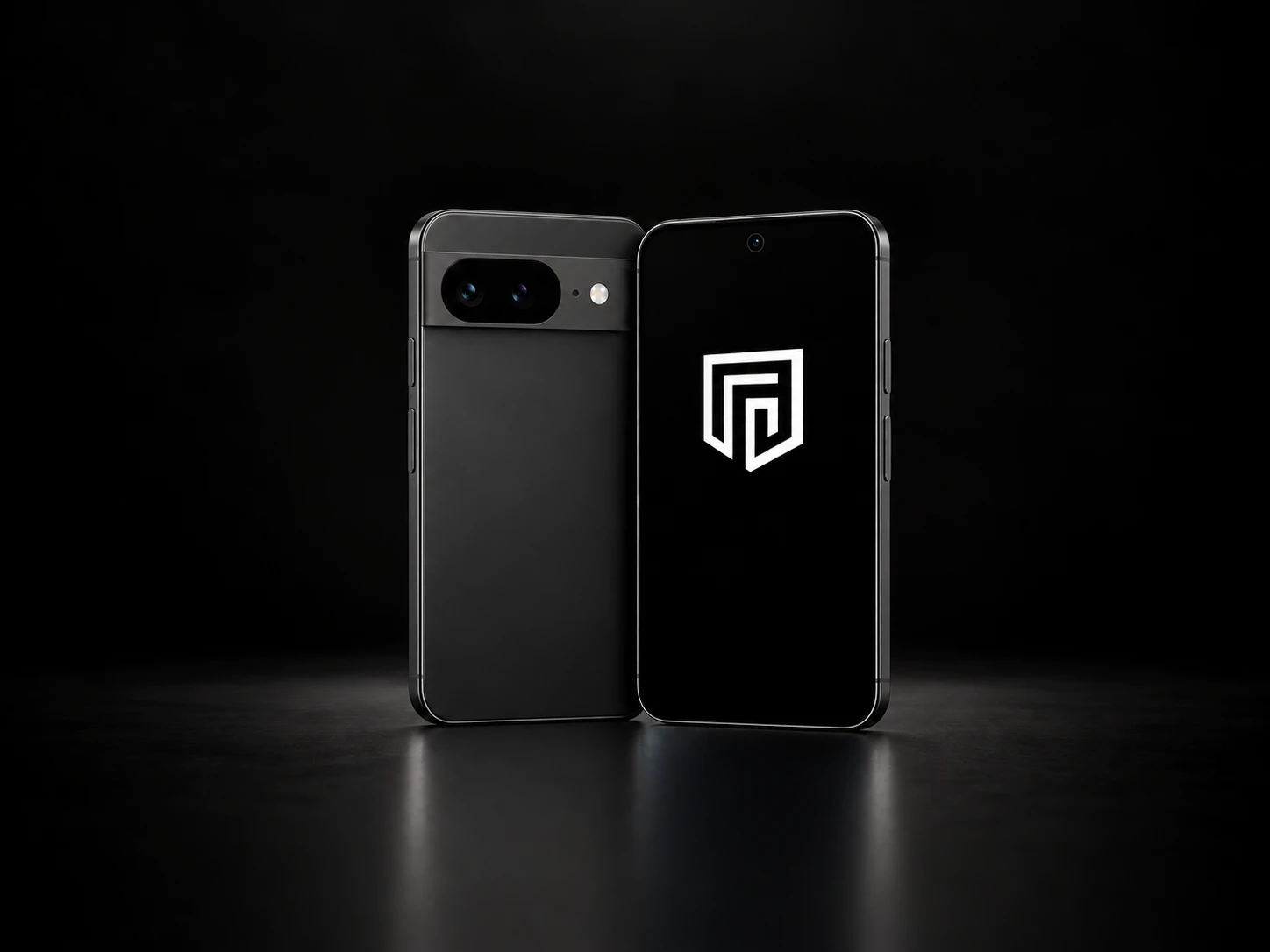
A Google Pixel with GrapheneOS and our Security Suite installed and configured in Australia, so it arrives ready to use.
A Private IP Data eSIM with 10GB, 6 months of Mullvad VPN, a Threema licence key and our custom security software.
It can wipe itself: after a set time without being unlocked, after losing its internet connection for a set time, after too many wrong passcodes, when a duress PIN is entered, on a remote wipe message, or by pressing the power button 7 to 8 times within 2 seconds. The USB port's data connection is disabled, so data can't be pulled off through the cable.
Many apps work, and Google Play can be added in a sandbox with no special access. Some banking apps don't support GrapheneOS, so check yours first.
Yes. Calls, SMS and mobile data work normally with any SIM or eSIM on Telstra, Optus or Vodafone. Our privacy eSIMs are data-only, with no phone number, so they give you private mobile data; for calls and messages on them, use an encrypted app such as Threema.
Yes. We ship worldwide from Australia; the UK and Europe usually take 4 to 8 days. We're unable to supply customers in New South Wales.
Yes. You can pay by card, Apple Pay, Google Pay or bank debit, or in Bitcoin (BTC), Ether (ETH) or USDT on Tron or Ethereum. The crypto price is fixed for 45 minutes with no surcharge; choose Crypto at checkout.
Crypto accepted. Pay with Bitcoin, Ethereum or USDT (Ethereum or Tron) on orders of AUD $20 or more. Choose crypto at checkout. How it works
Pay later with Zip or Klarna Choose Stripe at checkout to split your payment with Zip or Klarna, where they're available for your country and order.
 Klarna.